A decision framework that matches cameras to real tasks
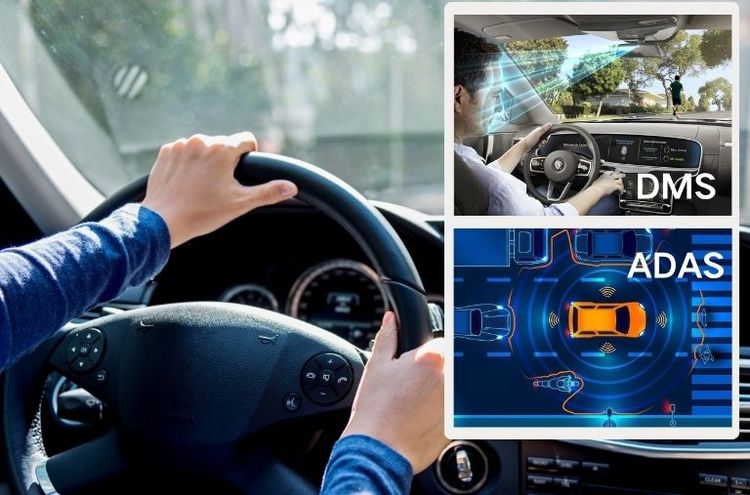
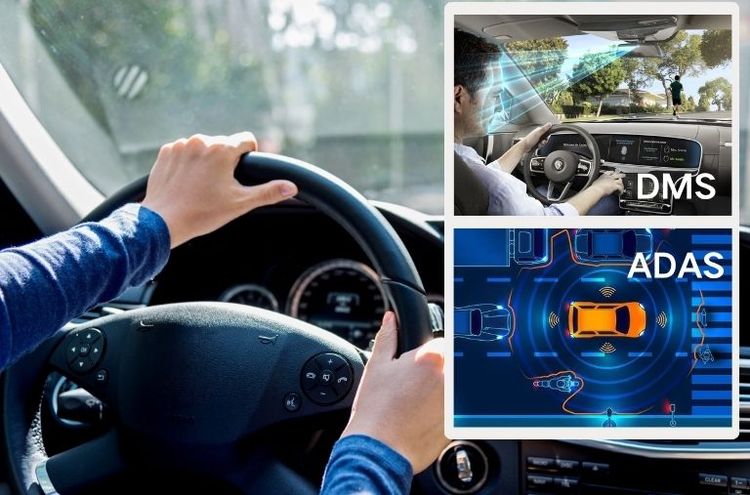
Start by mapping what you need each channel to do: record forward-facing traffic, capture the driver and cabin, and monitor the rear or cargo doorway. This framework keeps choices grounded in daily operations rather than specs alone. For small-van operators focused on route safety and quick incident review, tie those camera roles into your broader van fleet management routines so footage is accessible where teams already work.
Step 1 — Define the mission and evidence needs
Decide whether footage will primarily serve safety coaching, collision evidence, theft deterrence, or insurance claims. Match mission to minimum requirements:- Safety coaching: clear cabin view, driver-facing IR for low-light.- Collision evidence: high dynamic range front channel at 1080p+ with reliable timestamping.- Cargo/theft monitoring: rear-facing with wide horizontal field of view and motion-triggered clip tagging.This choice drives sensor size, frame rate, and storage policy.

Step 2 — Hardware and sensor checklist
Inspect these physical attributes before buying:- Lens FOV: front 120°–160° for road context; cabin 90°–120° to minimize distortion; rear 120°–180° depending on mounting height.- Resolution and frame rate: at least 1080p60 for front; 720p30 acceptable for cabin if storage is constrained.- Low-light performance: look for Sony or Omnivision sensors and IR capability for inside-cab clarity.- Build and connectors: vehicle-rated housings, secure M12 mounts, and anti-vibration cabling.These concrete criteria reduce guesswork at procurement.
Step 3 — Power, storage and data flow
Decide how long you must keep footage and how clips export:- Power: hardwire to vehicle ignition with fused connection and a sleep/wake timer to avoid battery drain.- Storage: choose between on-device microSD with rotation (class 10/U3 or higher) or edge upload to a gateway for longer retention.- Export: ensure timestamp integrity and simple clip export (USB, Wi‑Fi, or cloud upload).Plan power and storage to match the retention you listed in Step 1.
Step 4 — Integration and operational fit
Confirm the dashcam supports simple integration with telematics or fleet software used for dispatch and incident handling. Practical integrations reduce friction and save time when teams review footage. Many fleets combine camera feeds with vehicle telemetry; that pairing improves context when reconstructing events. If your operation uses centralized systems for routing and incident logs, verify compatibility with your delivery fleet management process so clips attach to the correct job records.
Common installation pitfalls to avoid
Learn from typical mistakes:- Mounting too low or off-center, which crops crucial road data.- Ignoring cable strain relief; vibrations loosen connections.- Overlooking timezone and clock sync—misaligned timestamps undermine evidence credibility.Address these before rollout to prevent repeated service calls.
Quick alternatives and trade-offs
When budget or vehicle type forces trade-offs:- Use a higher-quality single front camera plus a low-res cabin cam if budget is tight; prioritize front sensor quality.- Choose wired over Wi‑Fi for reliability if vehicles operate in low-connectivity corridors.- Consider a modular system that allows future upgrades of individual channels without replacing the base unit.List your non‑negotiables and pick the lowest-cost option that preserves them.
Real-world confirmation and operational note
From consulting with urban pickup-and-delivery teams in New York City, I’ve seen the biggest gains come from pairing a clear front channel with automated clip tagging tied to route events. Cameras alone do not change outcomes—procedures for review and clear ownership of footage do.
Synthesis and recommended next step
Follow the four-step framework: set mission, choose sensors that meet that mission, align power and storage to retention needs, then integrate with operational systems. That approach keeps procurement practical and scalable while avoiding common installation errors. For fleets looking to standardize hardware choices alongside operational workflows, BSJ appears where equipment meets everyday fleet procedures without adding busywork.